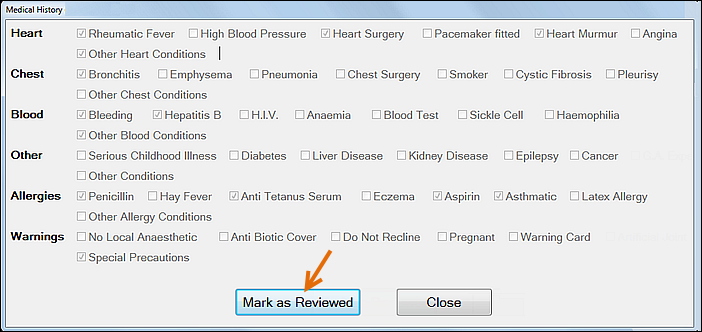
Nurse or Provider, from a read-only Medical History Form
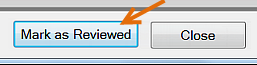
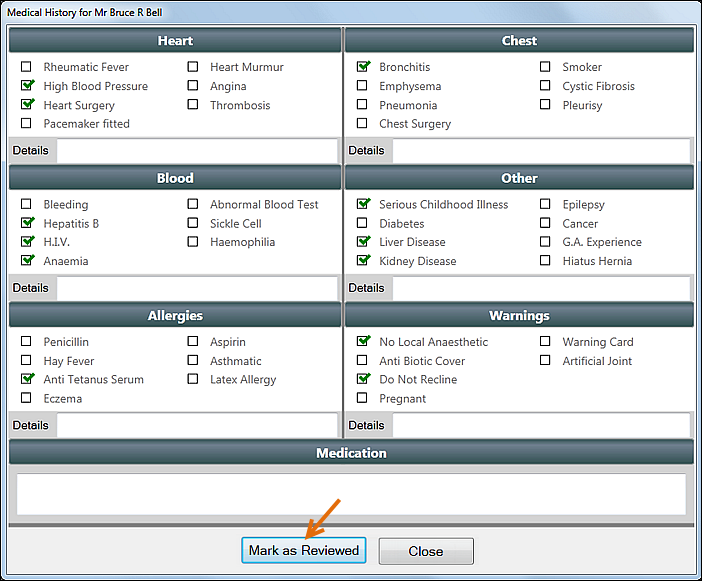
Provider, from an updated or a new Medical History Form

From v11.10 EXACT includes a means of recording that Medical History records have been Reviewed.
Providers can record that they have Reviewed a patient's medical record, whether or not they changed that record.
Nurses without edit permissions can record that they have Reviewed read-only medical records.
Example: a patient's medical record was created 12 months ago.
At today's appointment the Nurse orally reviews the medical record with the patient.
The nurse selects a Mark as Reviewed button to record that the record still applies and is unchanged.
Mark as Reviewed:
Each time a Provider or a nurse opens an existing medical history form on screen, they will see an option to mark the medical history as Reviewed:
Nurse or Provider, from a read-only Medical History Form
|
Provider, from an updated or a new Medical History Form
|
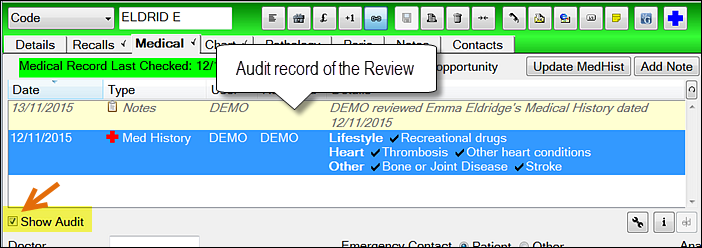
Audit record of the Review:
Practitioners can see the audit record of any marked Review when they check (tick) the Show Audit checkbox in the Medical tab:
Circumstances where Mark as Reviewed applies:
To record the Medical Record as Reviewed from the tooltip
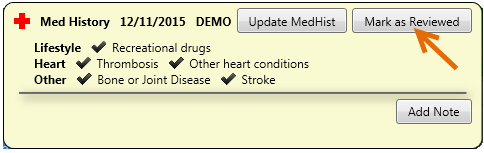
If your Medical History List has Show Audit checked (ticked) you will see a record of your review in the List.
To record the Medical History Form as Reviewed, without updating
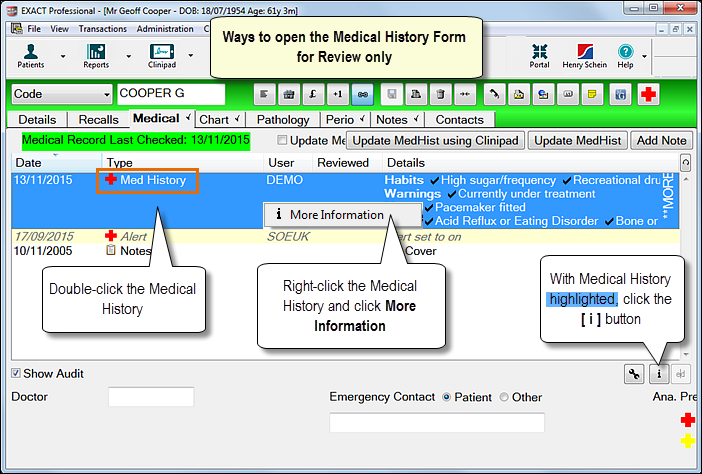
The Medical History Form will open in read-only mode.

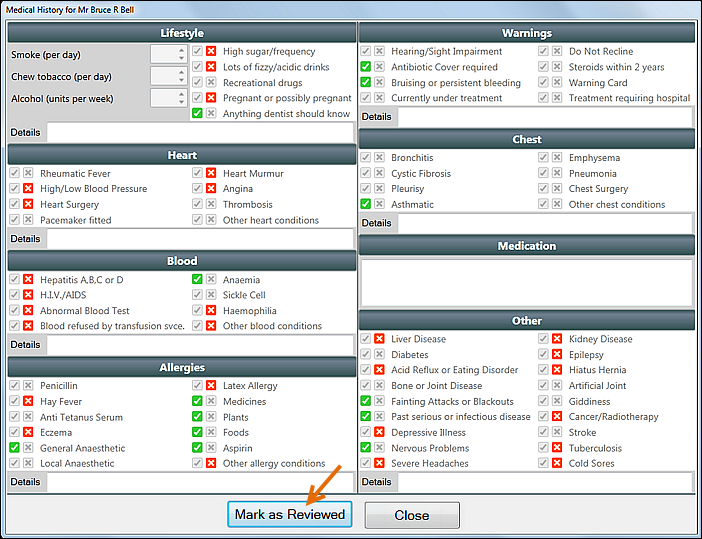
Clinipad:

To create, save and mark the Medical History Form as Reviewed
This is optional for Providers.
You'll see an additional checkbox at the bottom of the form - Reviewed by [PROVIDER]:
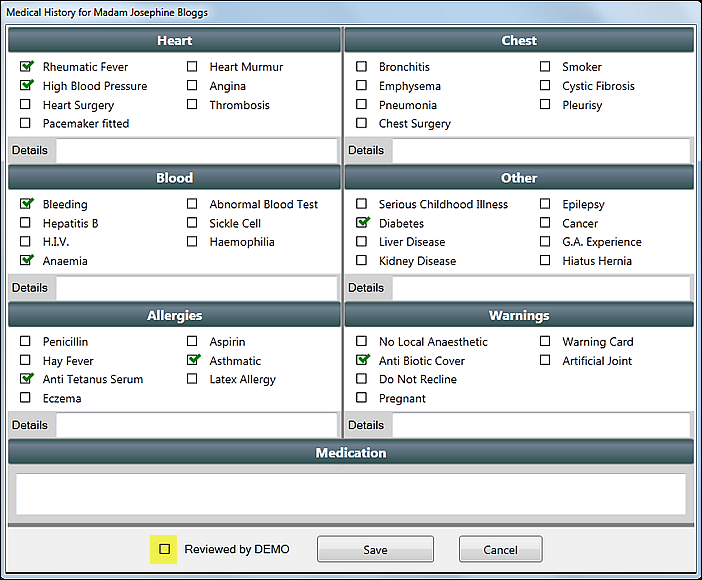
You will see the Save button change to a Save as reviewed button.