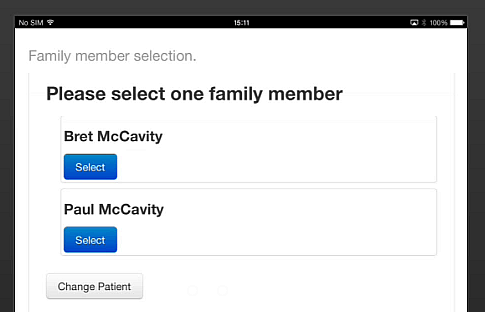
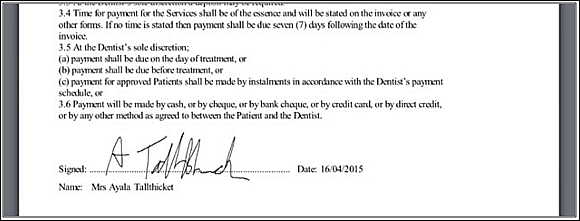
(note that each family member needs to sign separately)

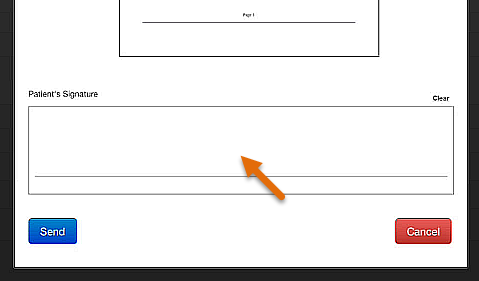
(Select the Clear hyperlink at top right of the signature box if you need multiple attempts)
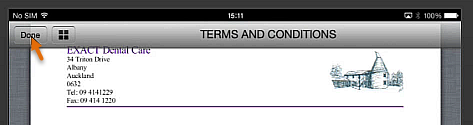
On the main Clinipad screen you will see that the Terms and Conditions is now checked (ticked).

Instructions to patients:
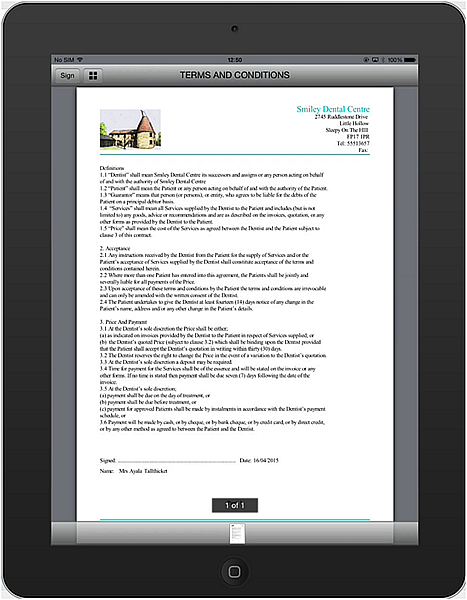
Please use the Clinipad device to digitally sign our Terms and Conditions statement.
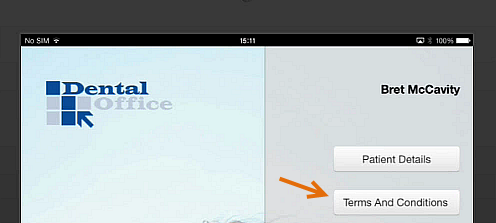
To sign the Terms and Conditions on the Clinipad
(note that each family member needs to sign separately)
(Select the Clear hyperlink at top right of the signature box if you need multiple attempts)
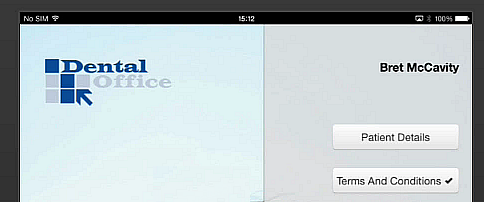
On the main Clinipad screen you will see that the Terms and Conditions is now checked (ticked).