Estimates are created by Clinicians for anticipated treatment and costs, and displayed on Clinipad for you to digitally sign.
To sign an Estimate on Clinipad (Patient)
The Clinician creates the Estimate and transfers it to Clinipad.
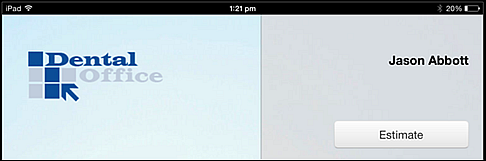
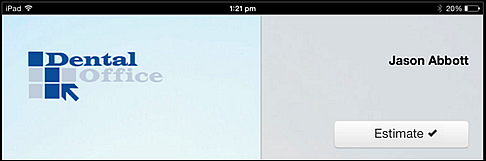
When you receive the Clinipad device, check that it is your name at top right and then select the Estimate button:
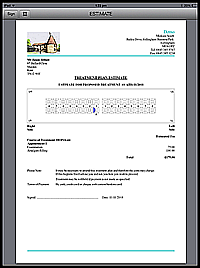
The Estimate displays as a PDF form.
Carefully review the information.
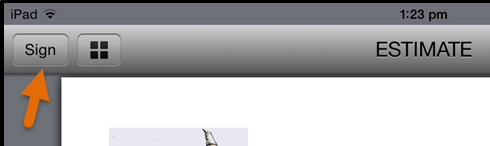
If you find it acceptable, tap the Sign button:
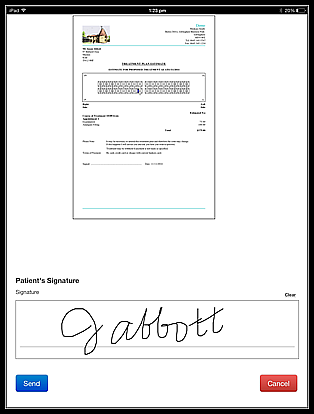
You will see a screen showing the first signature box on the form. Cancel if you want to go back, but the forwards options are not available until you have signed.
Sign the Clinipad Estimate using a finger or a stylus:
Select the Send button to display the signed PDF form, and if satisfied with this form, selects the Done button:
The Estimate button on the Clinipad front screen displays a check (tick):