 Important: Use the method that suits you best, but never simply turn off the computer, as this could potentially corrupt the EXACT database.
There are several different ways you can exit from EXACT.
Important: Use the method that suits you best, but never simply turn off the computer, as this could potentially corrupt the EXACT database.
To exit EXACT
Use either of these four methods:
 'Close' button in the top right-hand corner of the EXACT window: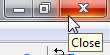
- or -
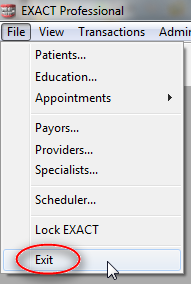
- or -
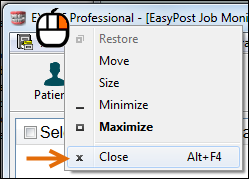
- or -
 button on your keyboard, press
  and then release both keys.