To check if EasyPost is registered for your practice
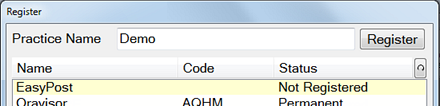
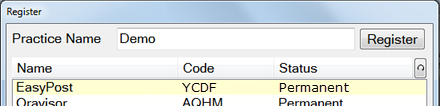
The Register screen displays.
(Example) Not registered:
(Example) Registered:
SEE ALSO: Registering EasyPost
See also...
Configuring EasyPost
Registering EasyPost
Adding the EasyPost Jobs icon to your workspace bar
Configure EasyPost with Recall Automation
Configure automated appointment reminders by EasyPost
Configure automated appointment Follow-ups by EasyPost
Next >>